Tap into the world of investing
Invest in shares, straight from Australia’s most popular banking app^


Australia's leading online broker
With over 25 years of industry leading service and experience, offering Australia's best online and mobile trading solutions CommSec is the first choice when considering retail online trading partners.

A seamless investing experience, now in the CommBank App

Get the full picture
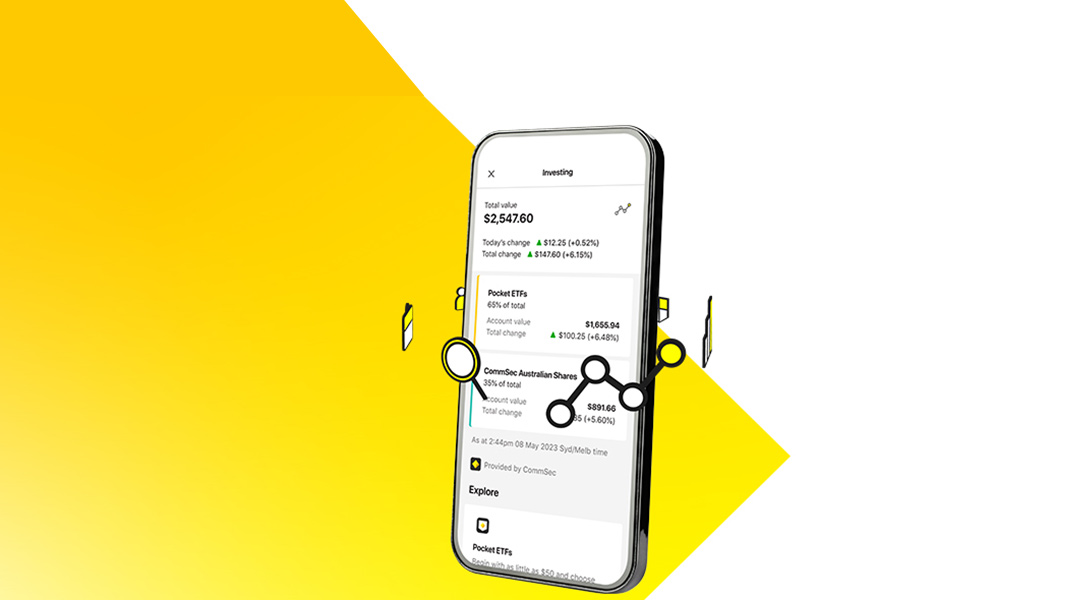
View your existing CommSec Pocket ETFs# and individual CommSec Australian Shares# accounts alongside the rest of your banking accounts, giving you full visibility of your finances.
You can customise which accounts you’d like to see on your app home page, making it easier to stay in control.

Browse and discover in the same experience
Browse through all CommSec Pocket ETFs, plus all shares and ETFs listed on the Australian Stock Exchange (ASX), in an easy and familiar experience.
You can view all your Holdings and Orders, and buy/sell and hold available assets, all in the one place.

Learn and grow through a trusted resource
Whether you’re just starting your investment journey or looking to brush up your skills, you can easily access insightful content straight from the app.
Scroll through the investing glossary, build your investment knowledge through CommSec Learn and access the CommSec Market Update podcast, all from the one place.

Simply log in to the CommBank app and tap the ‘Investing’ tile from your app dashboard or Library, to start exploring.
Discover why more Australians trade with CommSec

CommSec Pocket
- Get started with as little as $50
- Choose from 10 themed investment options known as Exchange Traded Funds (ETFs)
- Pay just $2 for trades up to $1,000, with no ongoing account keeping fees
- Set up regular investing in the app to help build your portfolio over time.

CommSec Australian Shares
- Browse and trade all shares and ETFs listed on the Australian Stock Exchange (ASX)
- Choose to settle to our CDIA or an existing cash account.
Get started
Experience a streamlined new sign-up process, all in the CommBank app.
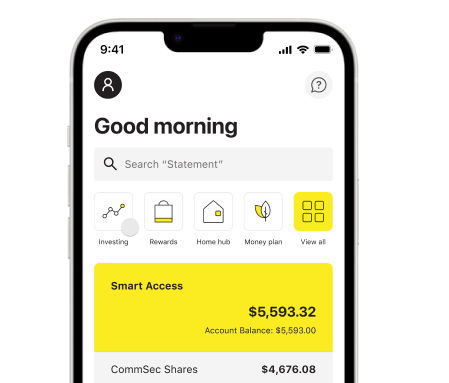
Simply log in, tap the ‘Investing’ tile from your app dashboard or Library and select the type of investing account you’d like to open.
Want extra resources at your fingertips?
Download the CommSec app, packed with extra features that’ll enhance your investing experience.
 |
Set up alerts to stay across the stocks you’re keeping an eye on |
|
Monitor the market wherever you are |
 |
Research on the go with daily videos from our expert market commentators. |
Important information
^Based on most active app user as a 12 October 2023.
#The new investing experience in the CommBank app is only available for CommSec Pocket and Individual CommSec Australian Share accounts. Other CommSec account types are not currently available.
Trading involves risk, including potential loss of your investment. The value of your investment may go down as well as up.
The CommBank app is free to download however your mobile network provider charges you for accessing data on your phone. You should refer to your mobile phone plan or contact your provider to find out more. Terms and conditions are available on the CommBank app. NetBank access with NetCode SMS required. Find out about the minimum operating requirements on the CommBank app page. The CommBank app is available on Android operating systems 6.0+ and iOS operating system 12.0+.
You can view the relevant CommSec Share Trading, International, Exchange Trade Options (ETO) and Margin Loan disclosure documents here and the CDIA disclosure document here and should consider them before making any decision about these products. Investing in overseas markets exposes you to risks including those related to movements in foreign currency exchange rates and market prices. CDIA and ETO TMDs can be located on the CommBank website and CommSec website, respectively.